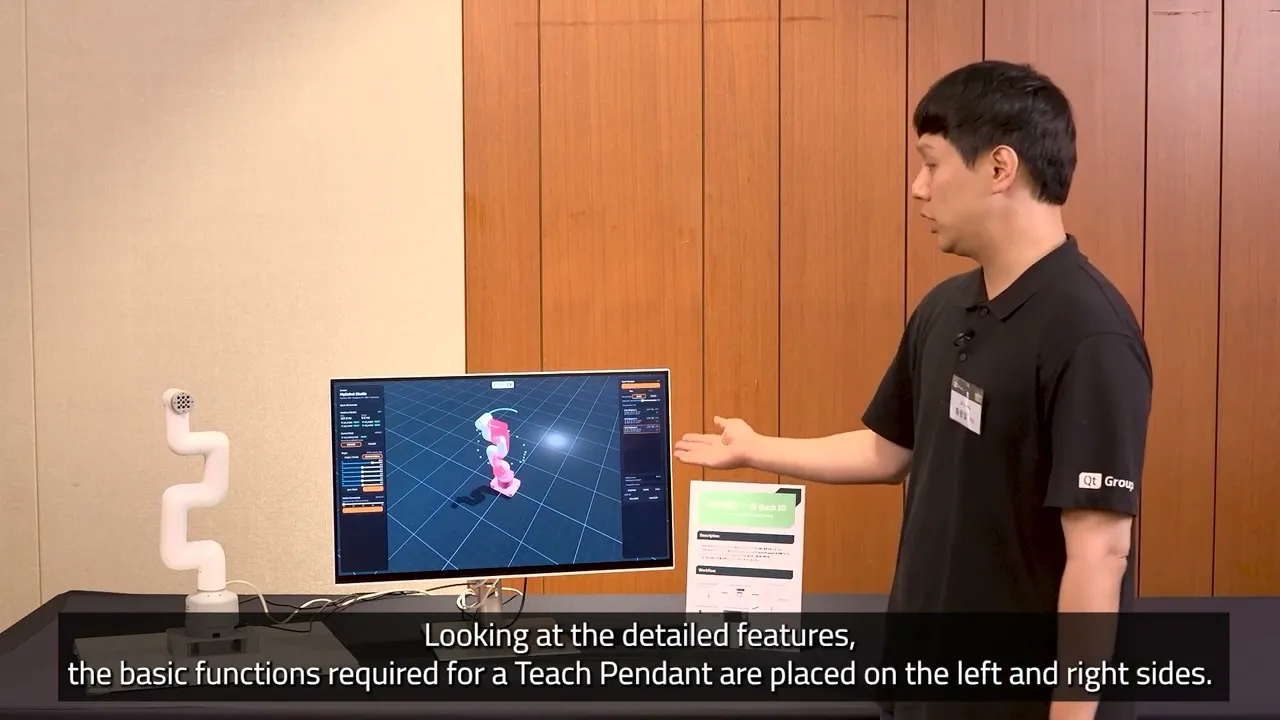
URDF to QML: Prototyping a Teach Pendant App with Qt Quick 3D
In this demo, Eric Hwang, Business Development Engineer, shows how to build a Teach Pendant by converting ROS URDF data into a Qt Quick 3D / QML application—without manually authoring 3D scene code. What the demo covers: → Parsing a URDF file with Python to extract joint, link, and mesh data → Auto-generating QML from the parsed URDF structure → Converting 3D meshes with the Qt Quick 3D Balsam Importer → Exposing joint values as QML properties to drive a 2D control UI → Implementing a record-and-playback feature via the ROS connection layer The result: a functional Teach Pendant UI—2D control panels plus a live 3D robot visualization—built in a fraction of the time required by a manual workflow.
Oh, here is more
On-Demand Webinar: Designing for Real-World Devices: Why Is It a Field of Its Own and How Qt Is Tackling the Most Complex Design Challenge
In this keynote, we discuss UX design for real-world devices and why we believe it needs solutions t...
Watch Video
On-Demand Webinar: Modern, Performant UIs to Rust and C#: Qt Bridges Technology Preview Is Here!
Qt Bridges brings Qt to the languages your team already writes. This session covers the project and ...
Watch Video
On-Demand Webinar: How Medical Software Teams Break The Regulatory Bottleneck
Every medical device you ship needs a decade of security updates, maintenance, and regulatory upkeep...
Watch Video
QtWS26: Customer Voices SAUTER
Qt World Summit 2026 Customer Voices Interview with SAUTER
Watch Video