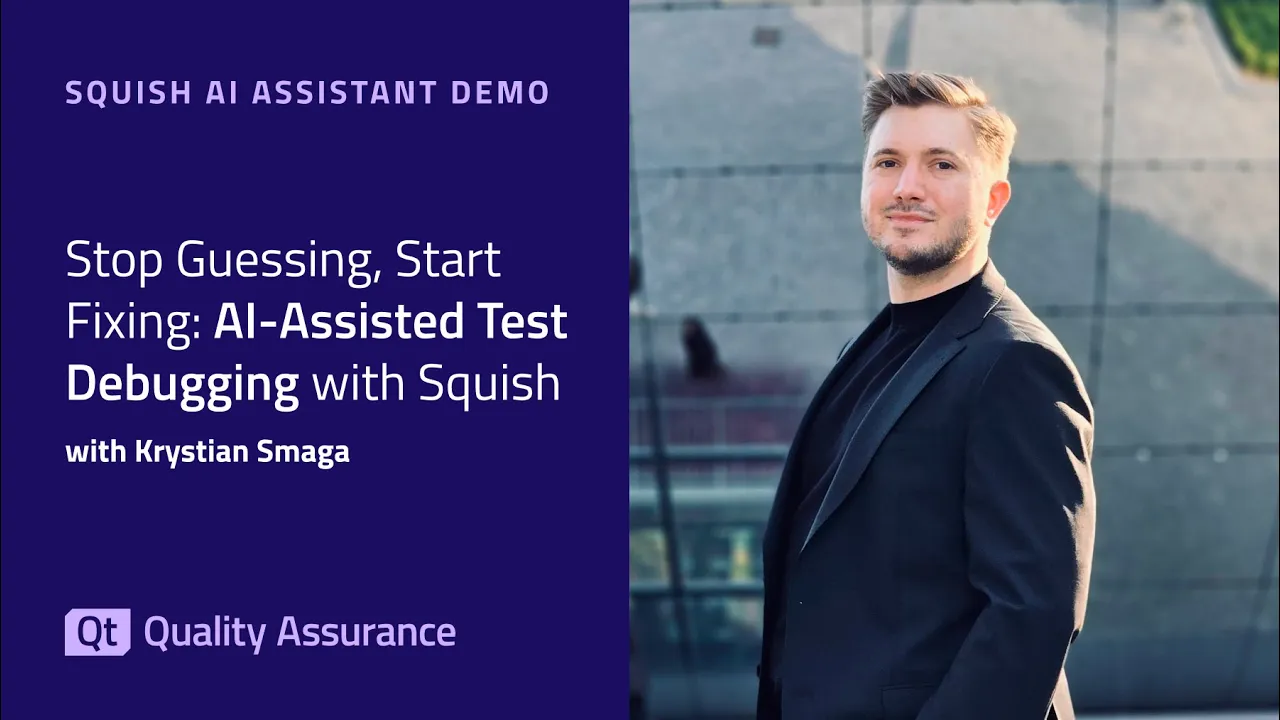
Stop Guessing, Start Fixing: AI-Assisted Test Debugging with Squish
The Squish AI Assistant brings AI-powered support directly into the Squish IDE – helping you write cleaner test scripts, understand test failures, and troubleshoot issues faster. In this demo, Qt software engineer Kristen Smaga walks you through the key capabilities: ✅ Analyze test results – Right-click on a failed test to get an instant explanation of what went wrong and how to fix it ✅ Improve test code – Select repetitive or messy code and let the assistant suggest cleaner alternatives ✅ Troubleshoot logs – Paste runner or server logs into the assistant to quickly identify root causes like version mismatches The AI Assistant is available as an optional extension for all Squish users starting with version 9.1. You decide when and how to use it – it integrates into your workflow without changing how Squish works.
Oh, here is more
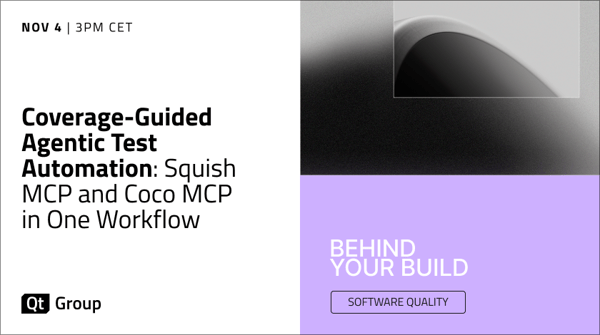
On-Demand Webinar: Coverage-Guided Test Automation: Squish MCP and Coco MCP in One Workflow
Using Squish MCP and Coco MCP, we walk through one working session end to end: an AI assistant creat...
Watch Video
On-Demand Webinar: How Medical Software Teams Break The Regulatory Bottleneck
Every medical device you ship needs a decade of security updates, maintenance, and regulatory upkeep...
Watch Video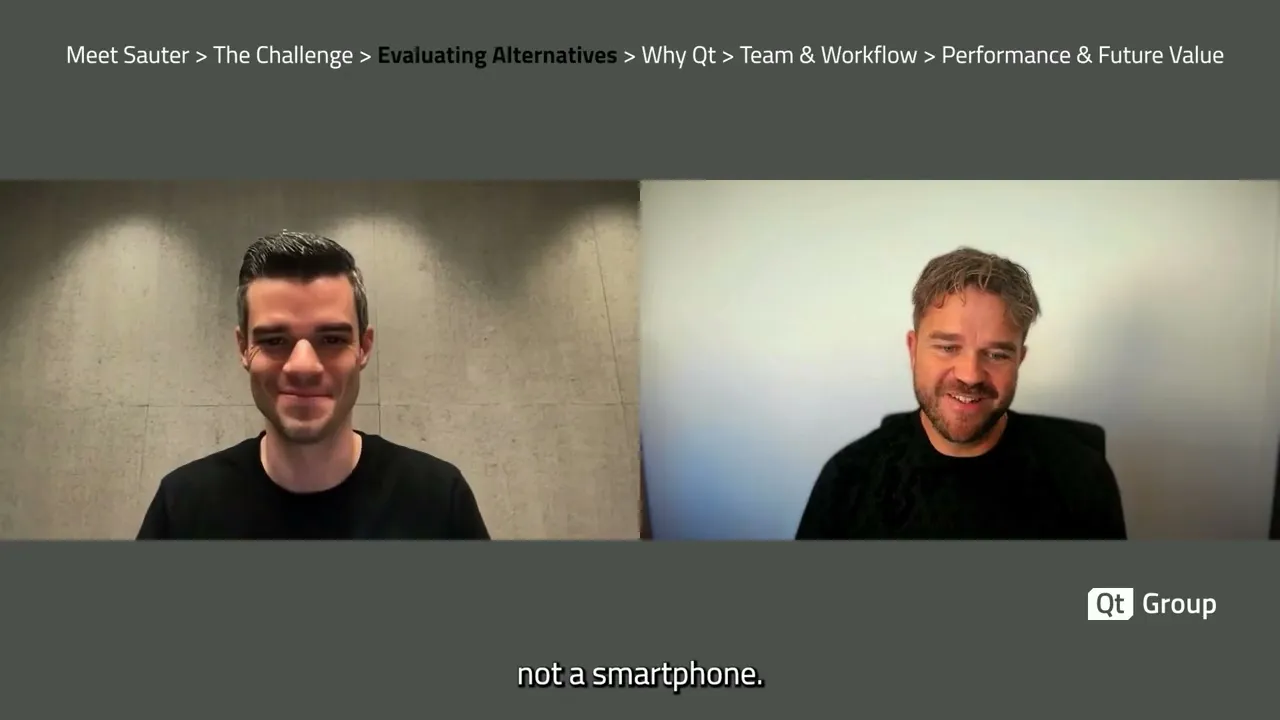
QtWS26: Customer Voices SAUTER
Qt World Summit 2026 Customer Voices Interview with SAUTER
Watch Video